Link in Bio Guide 2025: What It Is, Best Examples, and How to Build One
 Elitza Vasileva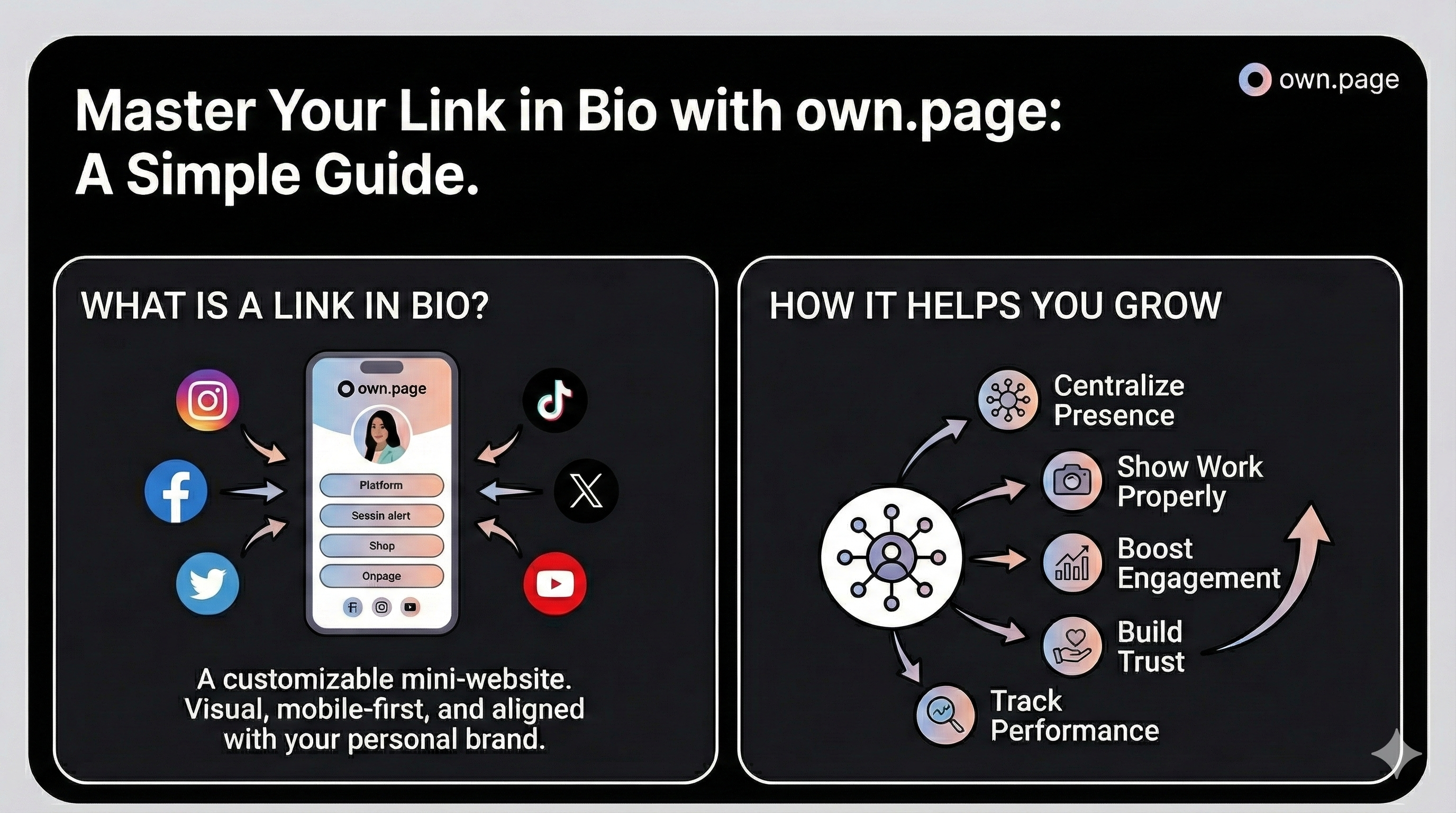
Social platforms now allow multiple links, but the experience is still messy. The links are hidden, scattered, and look nothing like your brand. Instead of guiding people to a clear destination, you end up splitting their attention.
A strong link-in-bio page fixes that. One clean, focused place where people immediately understand who you are and where to go next. This guide explains what a link in bio is, why it matters, showcases 12 creator examples, and shows you how to build your own with own.page.
What is a link in bio?
A link in bio is a simple landing page connected to your social profile. Instead of choosing one single link, you use this page to:
- Show your work
- Highlight important links
- Share content
- Present your projects
- Direct people to all the places you’re active
Most link tools give you a list of links. own.page gives you a customizable mini-website — visual, mobile-first, fast to build, and fully aligned with your personal brand.
How does a link in bio help you grow your brand?
A link in bio isn’t just a utility. It’s the first impression. With own.page, you can:
- Centralize your presence → Your work, socials, videos, links, projects — all in one place.
- Show your work properly → Photos, videos, embeds, and sections arranged the way you want.
- Boost engagement → Less friction equals more people actually seeing your content.
- Build trust → A clean, branded page looks instantly more professional.
- Track performance → See which links get the most attention.
A focused page outperforms scattered platform links every time.
12 powerful own.page bio examples
Here are 12 creator page types that work extremely well on own.page.
- Artist — Show your paintings, sketches, digital art, commissions, and behind-the-scenes work. A visual portfolio people can explore instantly.

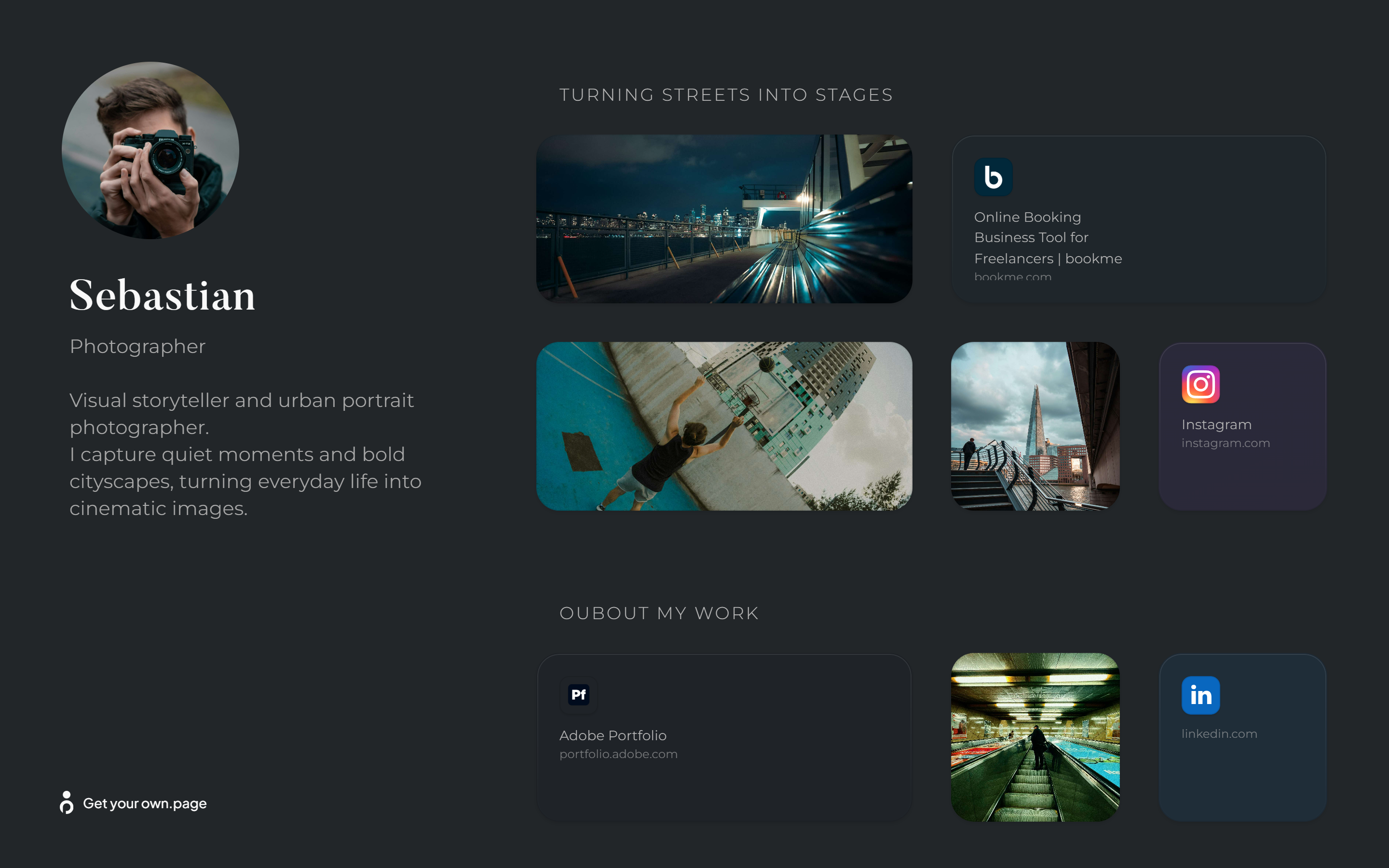
- Photographer — Create a clean gallery for your best photos, client shoots, and editing style. Add booking info or full project previews.
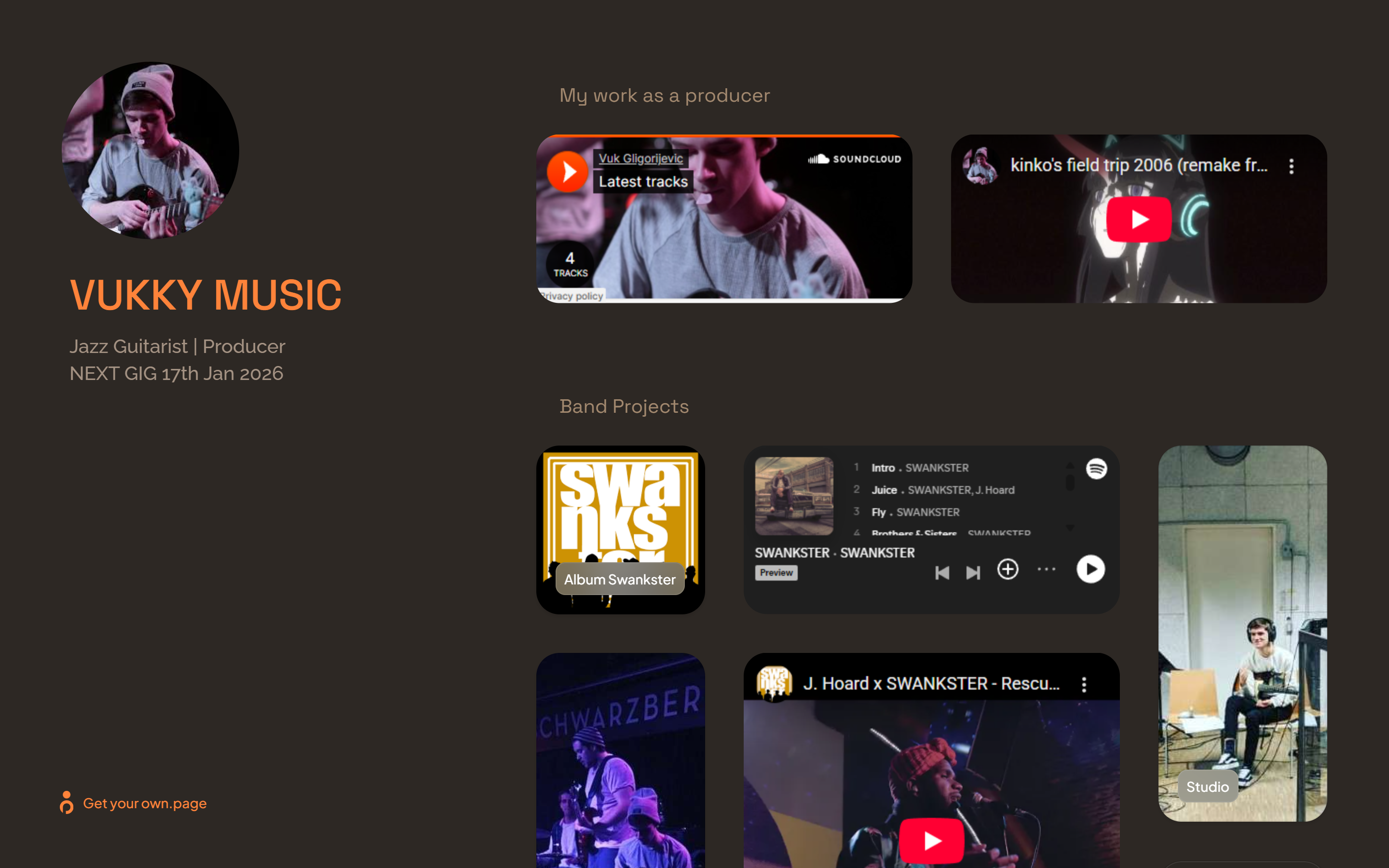
- Musician — Share new tracks, music videos, EPs, tour dates, studio clips, and streaming links — everything your fans want in one place.
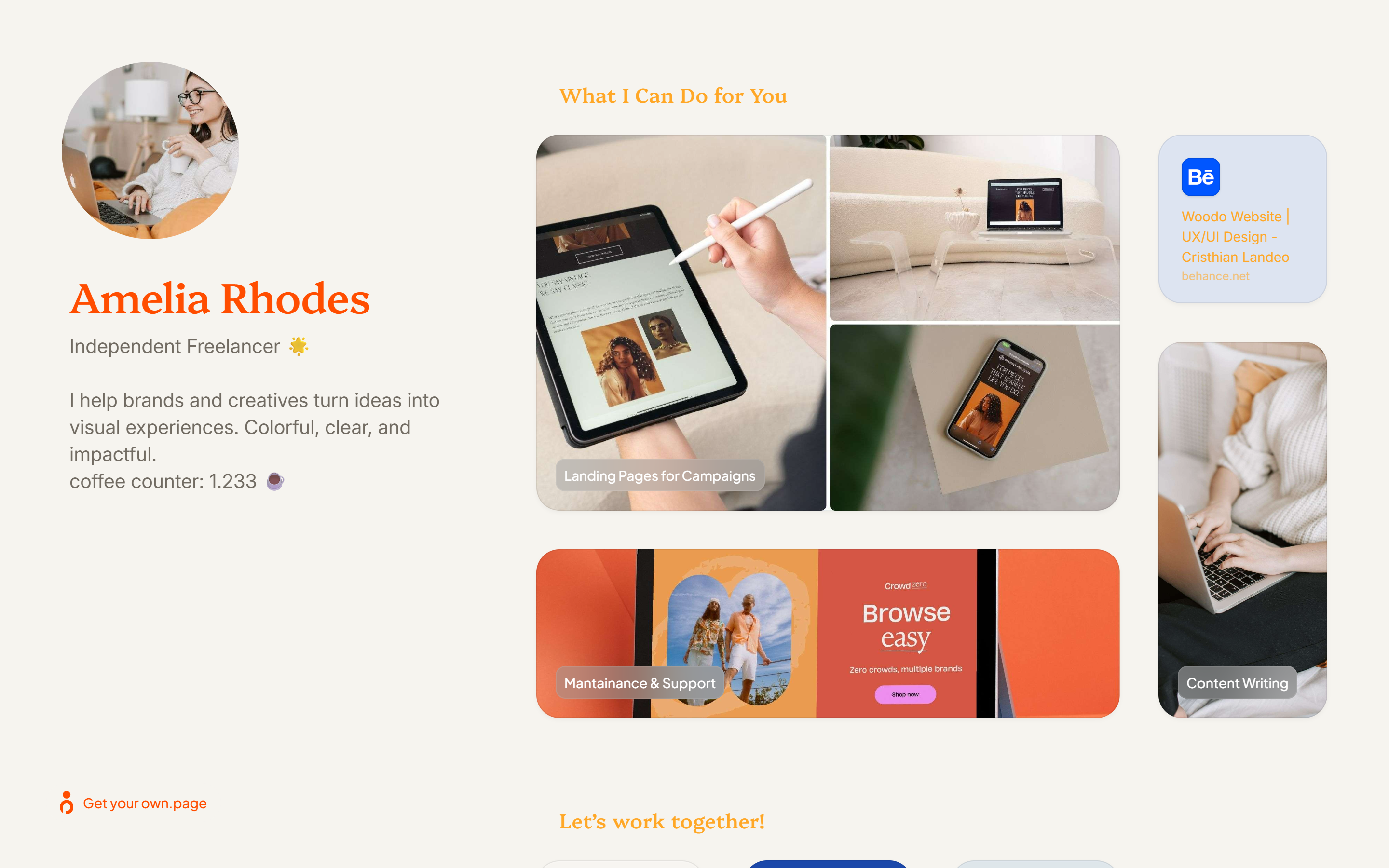
- Designer — Showcase your UI/UX projects, branding work, mockups, and redesigns. Give clients a quick snapshot of your style and experience.

- Writer / Author — Highlight your articles, essays, books, blog posts, and current writing projects. A clean hub for editors and readers.

- Freelancer — Present your services, examples of past work, testimonials, and the easiest way to contact you.
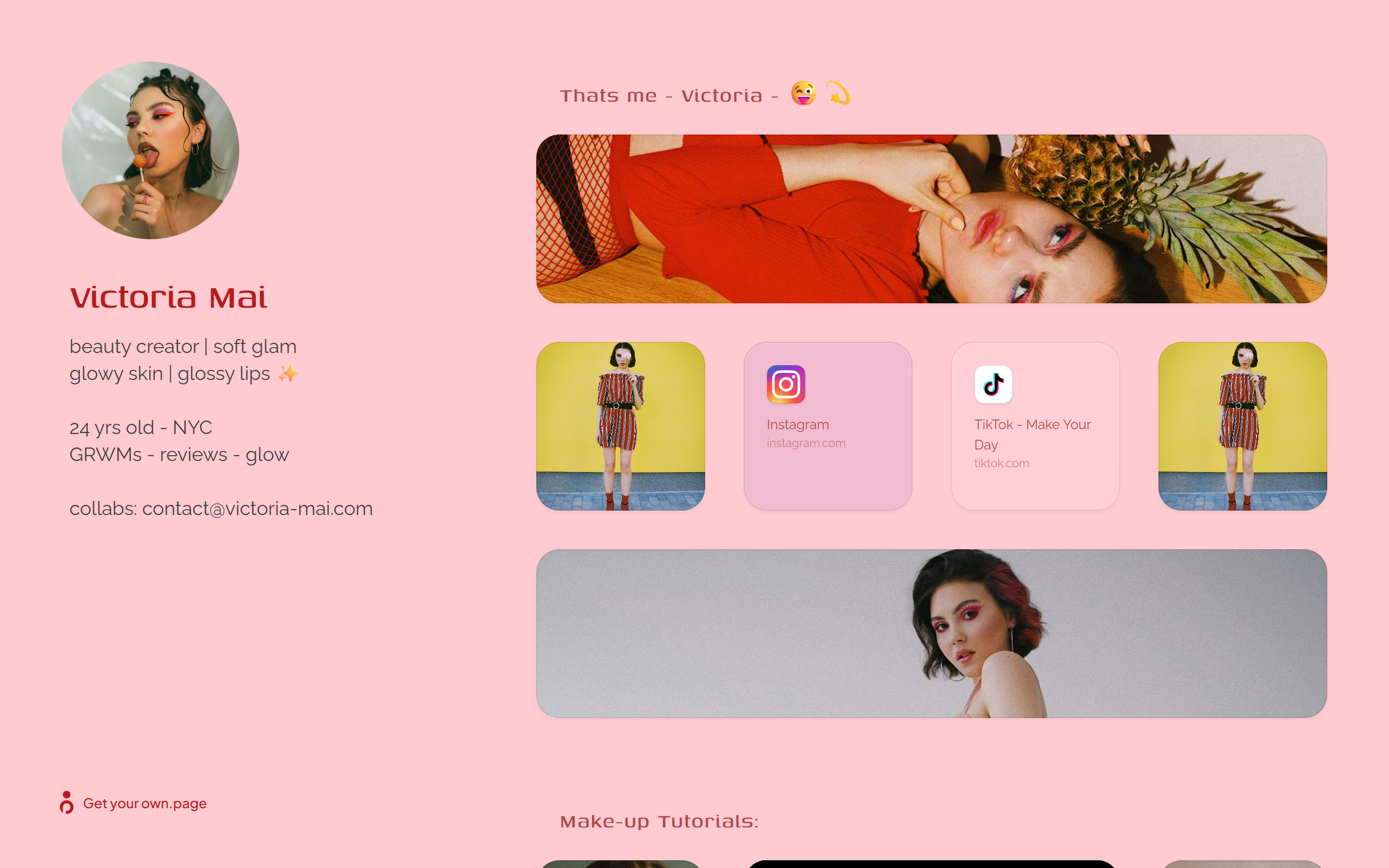
- Influencer / Creator — Bring your brand deals, discount codes, shop links, recent posts, and all socials together. One link that finally reflects your personality.
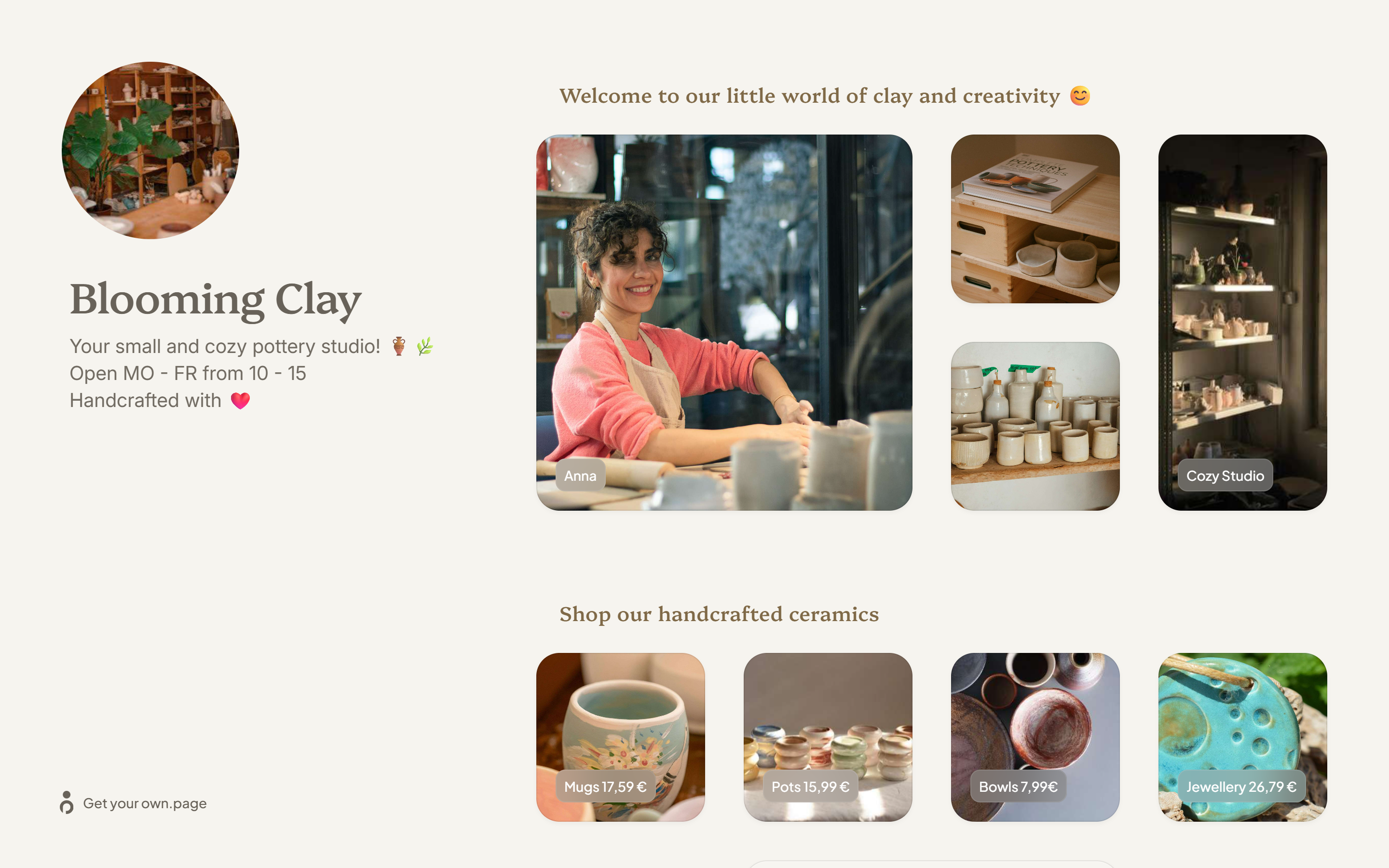
- Small Business — Perfect for cafés, studios, shops, and local services. Show products, opening hours, location, menus, or important updates.
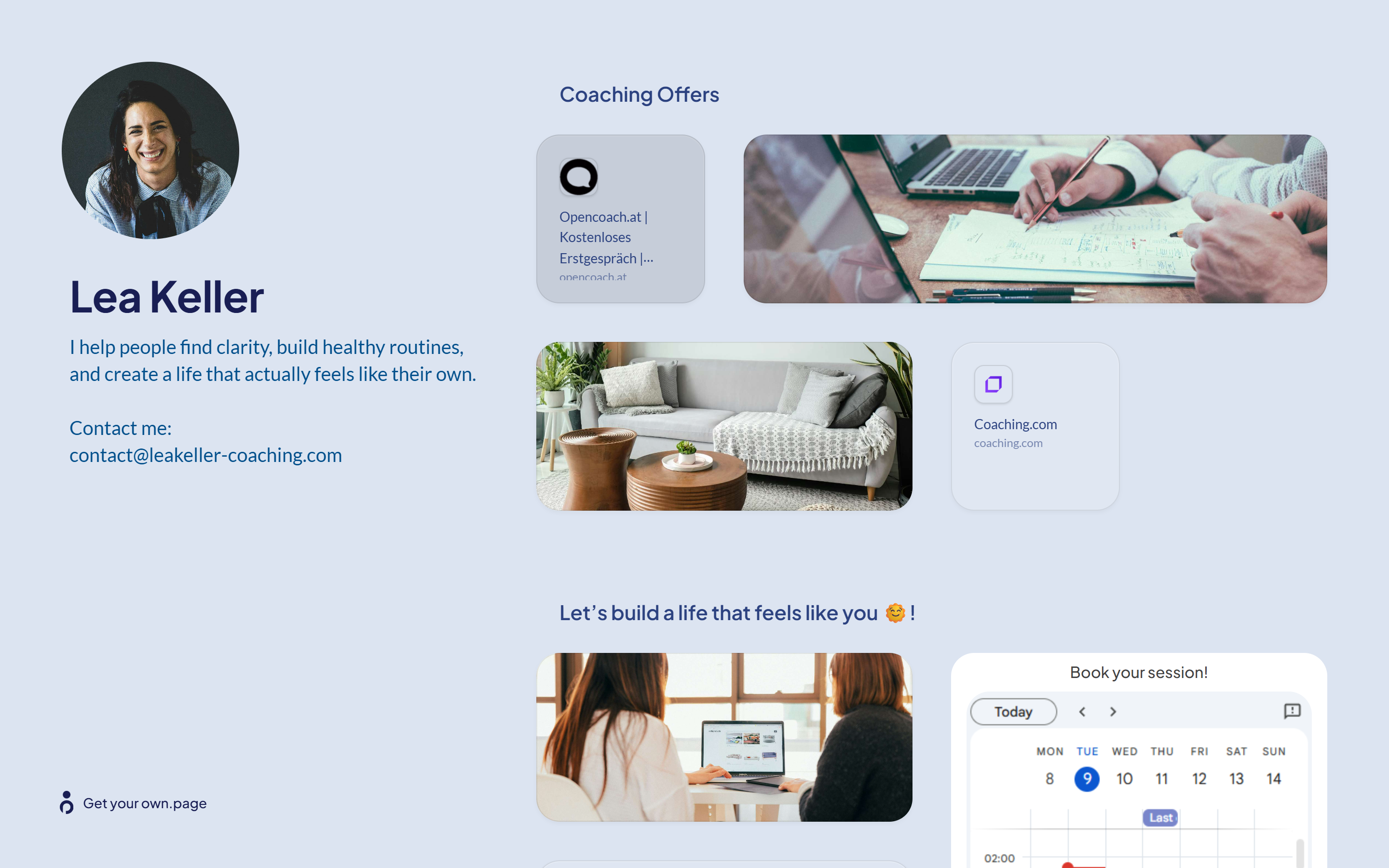
- Coach / Mentor — Share your programs, sessions, testimonials, intro videos, and story. Let clients quickly understand what you offer.
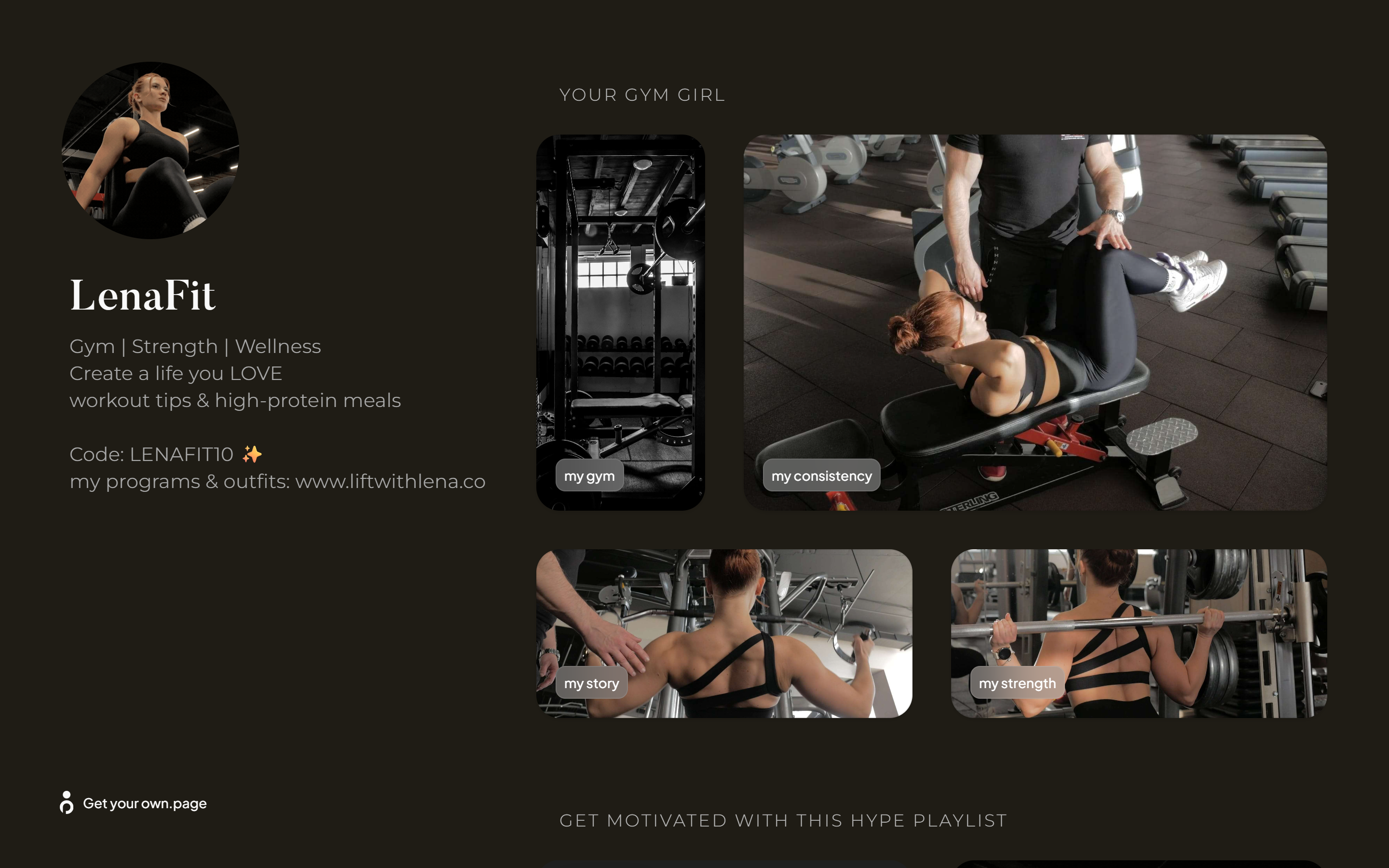
- Gym Girl / Fitness Creator — Show your workouts, fitness progress, program previews, transformation content, and your favorite links.
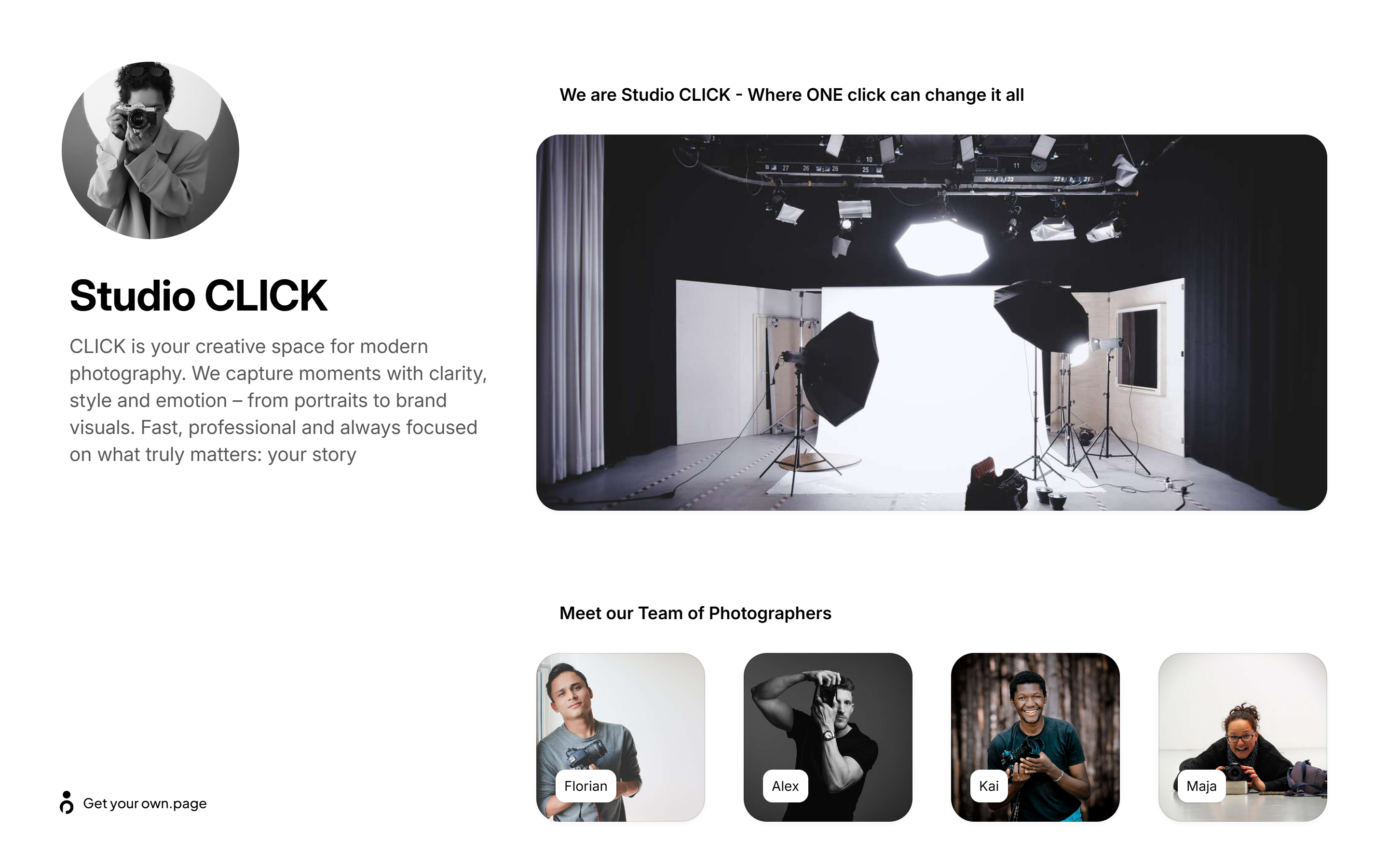
- Photography Studio — Showcase shoots, pricing, availability, and client proofs in one polished hub.
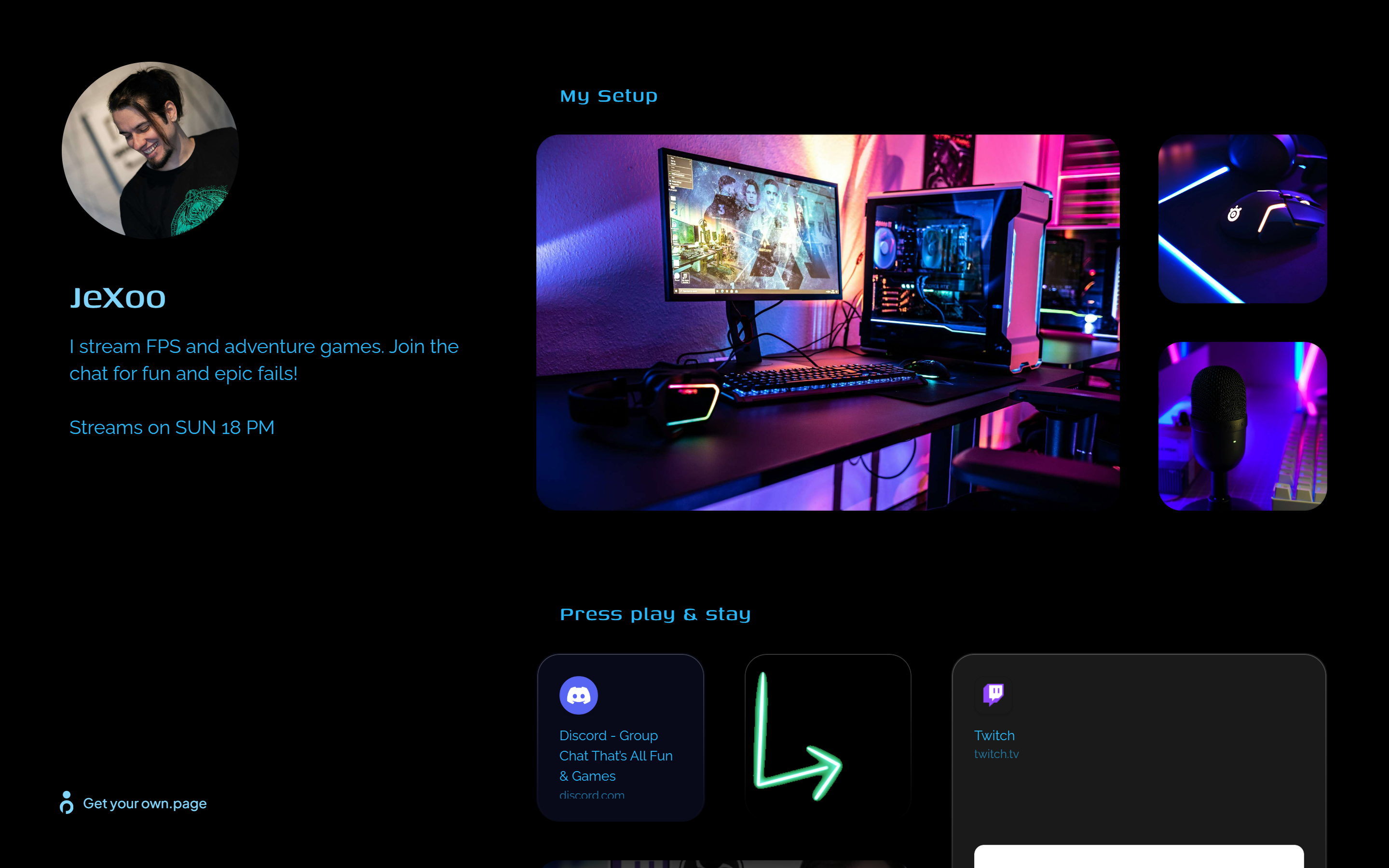
- Streamer / Gamer — Add your Twitch or YouTube stream schedule, Discord link, donation buttons, past stream highlights, or gear setup. A simple hub for your community.
How to create a link in bio with own.page
- Create your page: Start with a blank page in the editor. Add text, images, videos, embeds, buttons, and whatever else you need.
- Shape your layout: Arrange your sections however you want. Keep it minimal or create a fully visual showcase. You’re in control.
- Customize your look: Pick a theme, set colors, style your sections, and claim your own subdomain — for example username.own.page.
- Publish with one click: Your page goes live instantly. Share it across Instagram, TikTok, YouTube, X, or anywhere else.
- Track performance: Use built-in analytics to see what your audience clicks and where attention flows.
Turn your bio into a selling machine
Your bio link is valuable real estate. Don’t waste it on scattered platform links that nobody taps. With own.page, you get:
- A clean, professional hub
- A page that actually represents your brand
- Better engagement
- A simple, flexible mini-site you can update anytime
Build your page in minutes — and make your bio finally work for you.